MakBrowser
A downloadable tool
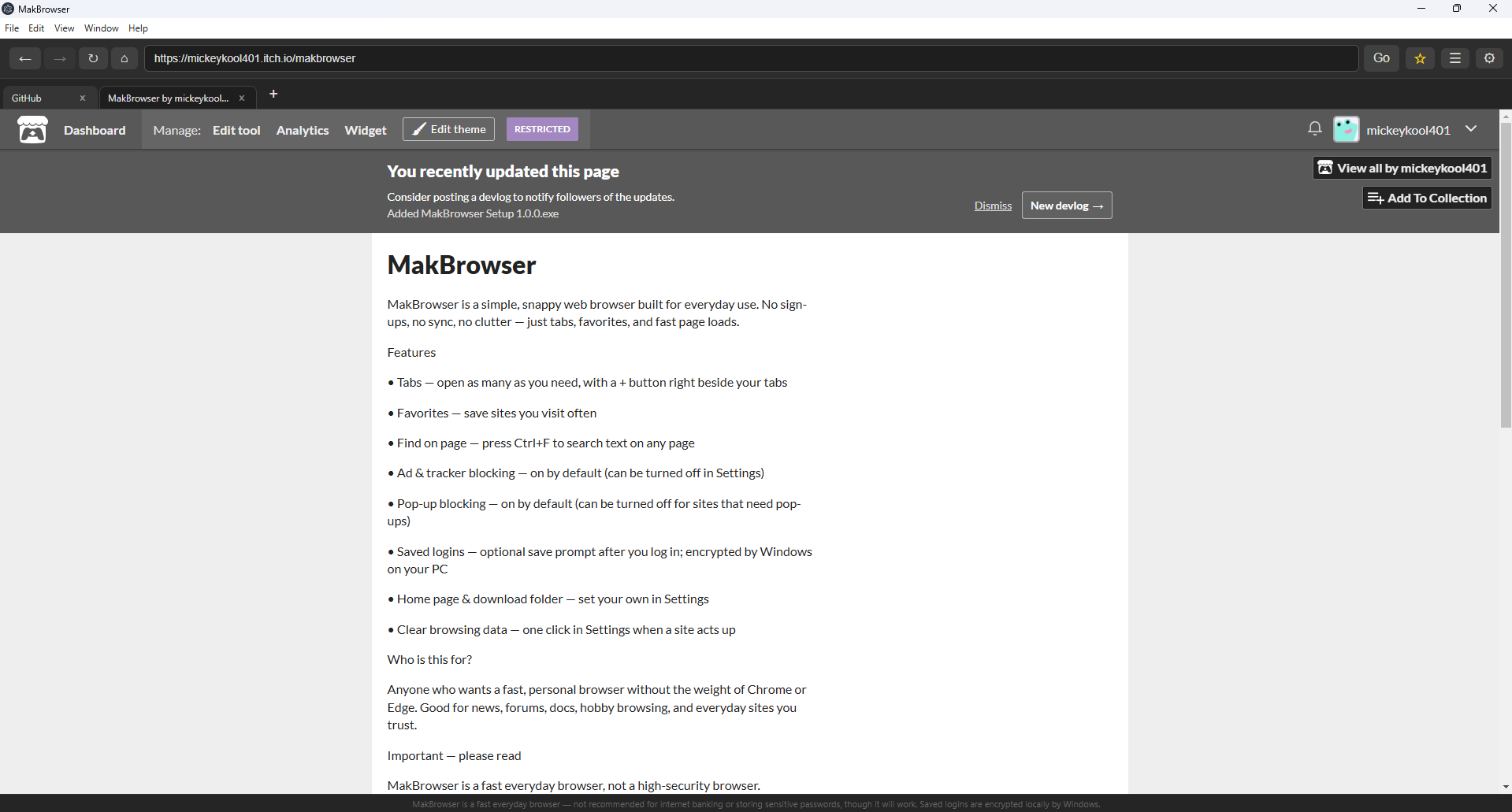
MakBrowser is a simple, snappy web browser built for everyday use. No sign-ups, no sync, no clutter — just tabs, favorites, and fast page loads.
Features
• Tabs — open as many as you need, with a + button right beside your tabs
• Favorites — save sites you visit often
• Find on page — press Ctrl+F to search text on any page
• Ad & tracker blocking — on by default (can be turned off in Settings)
• Pop-up blocking — on by default (can be turned off for sites that need pop-ups)
• Saved logins — optional save prompt after you log in; encrypted by Windows on your PC
• Home page & download folder — set your own in Settings
• Clear browsing data — one click in Settings when a site acts up
Who is this for?
Anyone who wants a fast, personal browser without the weight of Chrome or Edge. Good for news, forums, docs, hobby browsing, and everyday sites you trust.
Important — please read
MakBrowser is a fast everyday browser, not a high-security browser.
• Not recommended for internet banking or highly sensitive accounts — though it will work
• Saved logins are encrypted locally by Windows, but this is not a full password manager
• Use Chrome, Edge, or a dedicated password manager for banking and critical passwords
• Provided free with no warranty — use at your own risk
Privacy: MakBrowser does not collect or send your data anywhere. Favorites, settings, and saved logins stay on your computer only.
Download
Install instructions
Download & install (Windows)
You need Windows 10 or 11 (64-bit).
Installer (recommended)
1. Click Download on this page
2. Run MakBrowser Setup 1.0.0.exe
3. Follow the installer — choose install location if you like
4. Launch MakBrowser from your desktop shortcut or Start menu